
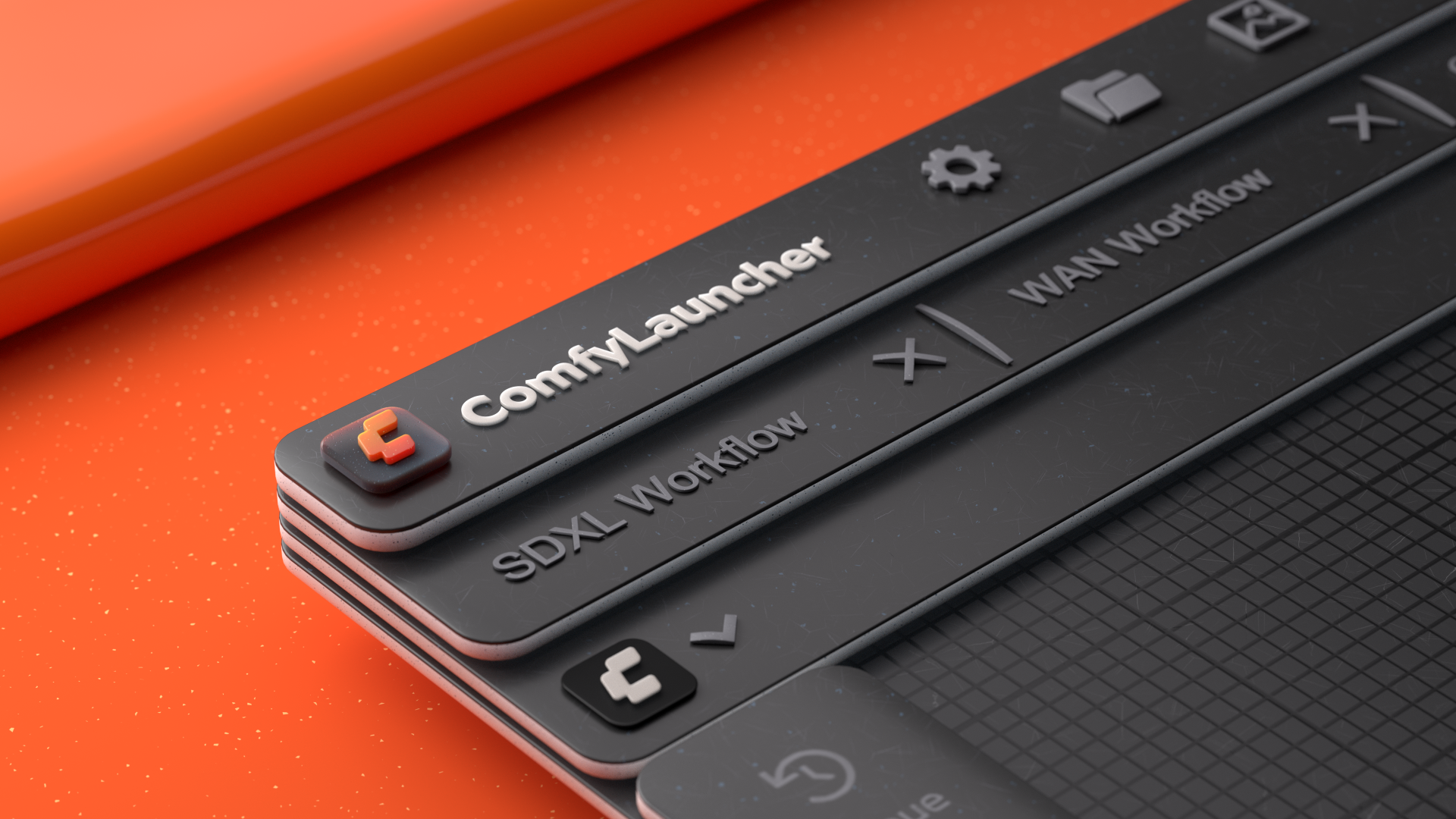
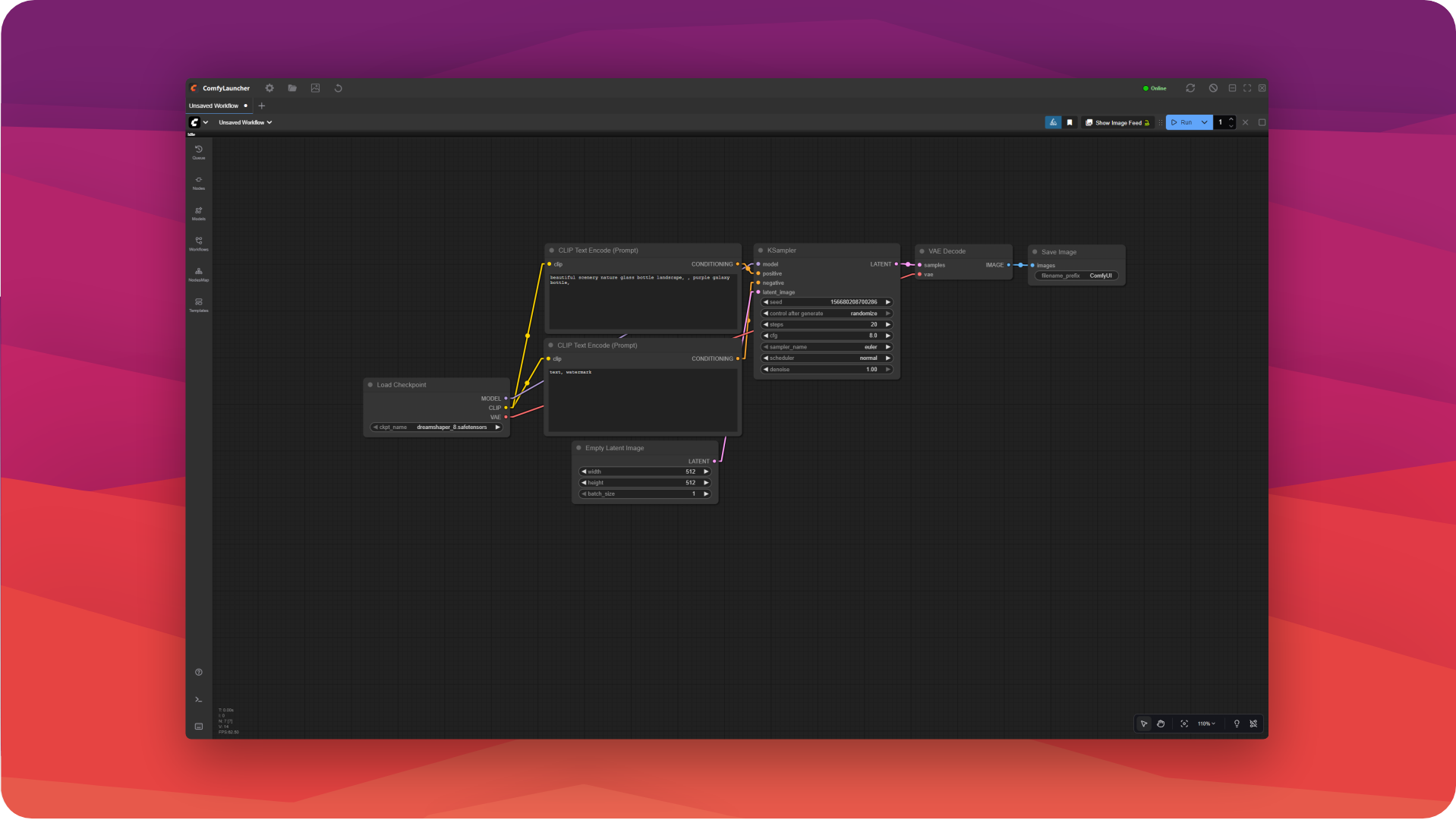
ComfyLauncher gives portable ComfyUI what it's missing. The standalone build launches in its own window; the portable one opens in your default browser — heavy and full of tabs. ComfyLauncher brings its own lightweight window and one-click launch.
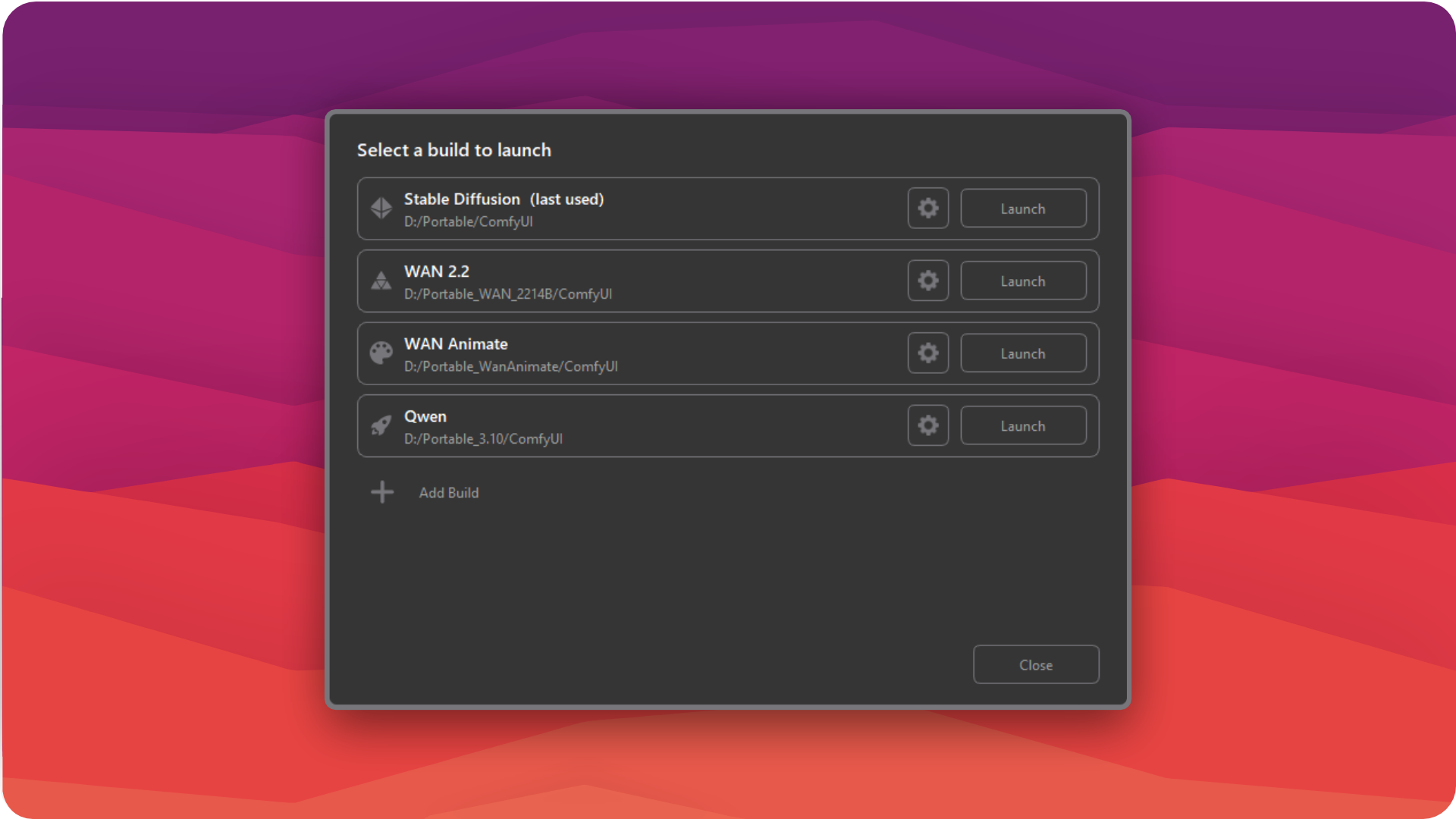
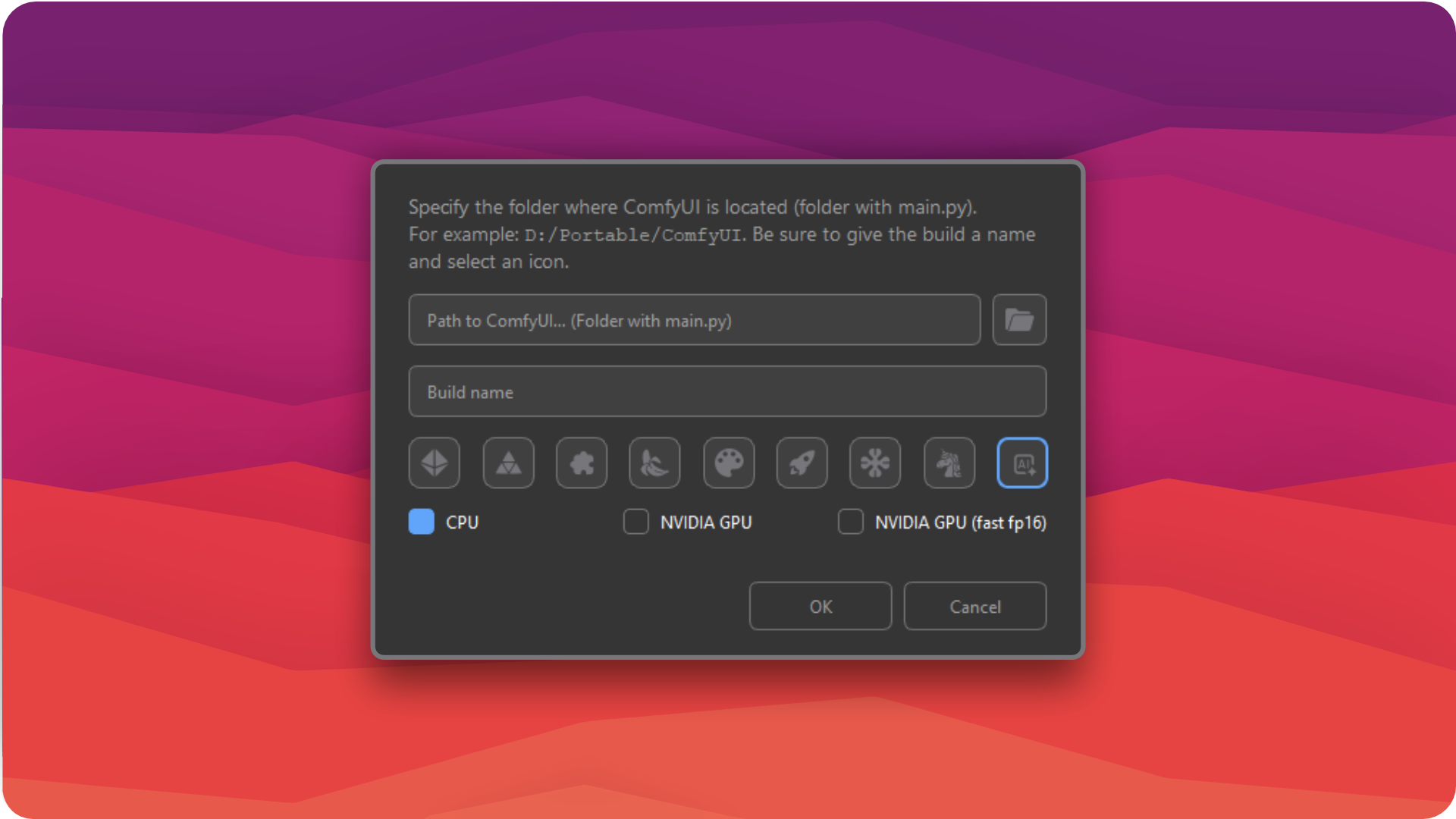
The idea grew out of real work: you keep separate builds for different tasks — WAN, Qwen, image generation, testing new nodes — to avoid environment conflicts. ComfyLauncher gathers them in one place and launches any of them from a start menu.
The result feels closer to a regular desktop app: one window instead of a browser full of tabs, a fast start for the build you need, and clear control over the server — restart, stop, folder access, status. Less busywork to launch and switch — more time for the actual generation.
Features
-
Build manager
Multiple portable ComfyUI builds, each launched in one click, with its own launch flags, name and icon.
-
Lightweight browser
~30% less RAM than idle Chrome (tested on Windows 10/11). No bloat — starts fast.
-
Server control
Restart, Stop, Refresh UI, quick access to the ComfyUI and Output folders, and an Online / Offline / Restarting status.
-
CMD on your terms
Hide the terminal window and its output moves into a built-in console — you never lose monitoring.
-
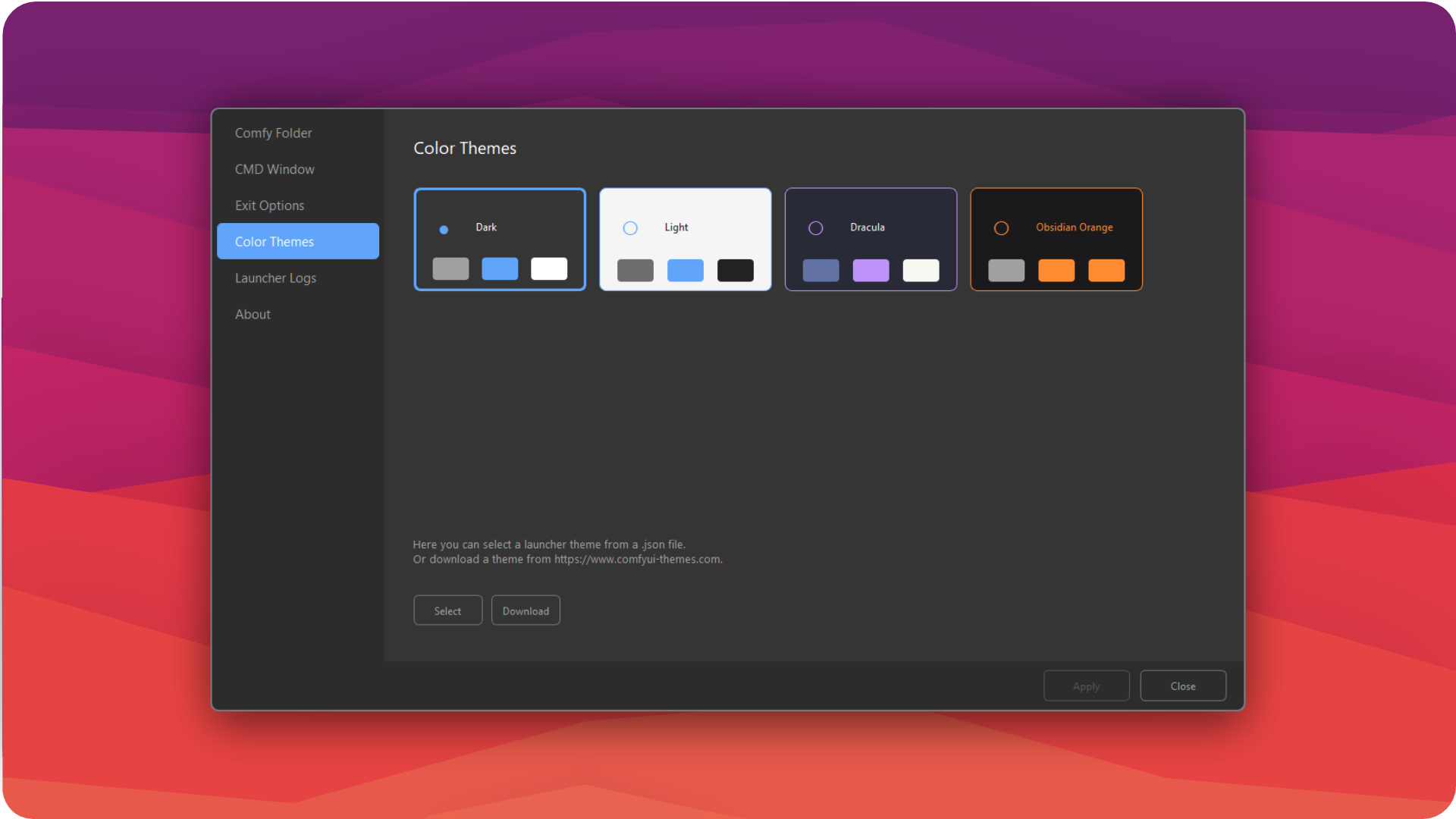
Themes & looks
A frameless window, ComfyUI theme support and 4 built-in themes: Dark, Light, Dracula, Obsidian Orange.
-
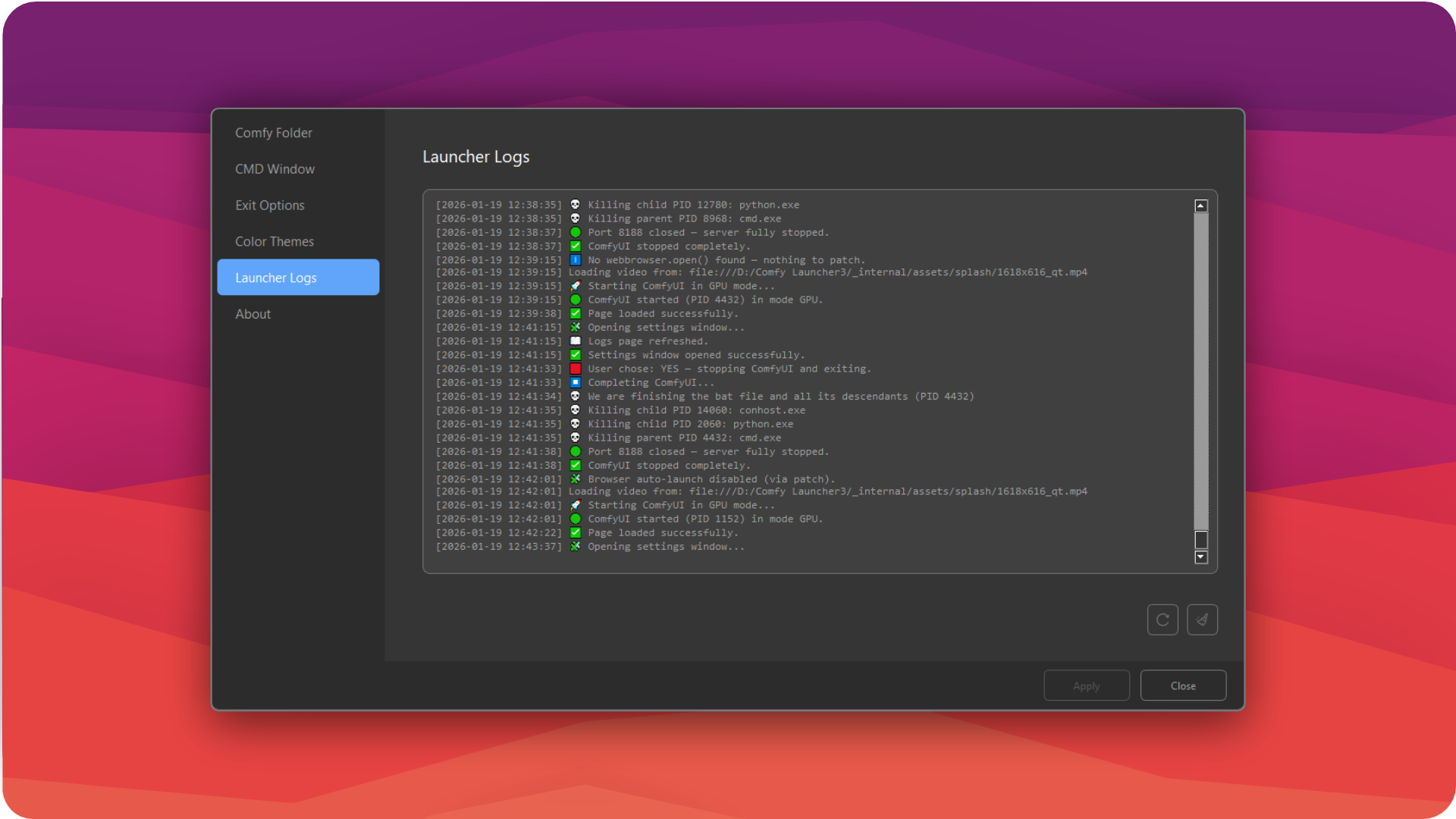
Logs & diagnostics
A built-in launch log shows every step of server startup — easier to pinpoint the cause when something goes wrong.
Screenshots
Tech stack
- Python 3.11+
- PyQt6
- subprocess
- JSON
- PyInstaller